

API in a MVC Project
Building a Simple API
We can add an 'API' to the MVC Films project by adding a new action.
This document references a Repo found on GitHub at:
Fork or Clone the Repo to experiment locally with the Project in Visual Studio.
This simple example will return all the data for the Films table in JSON format and will be called through a GET call to an Endpoint of localhost:5000/Home/ApiData
As we want our API to return JSON we can restrict the response formats with the [Produces] filter by applying it to an action.
Data can be extracted from the database by using the DbSet LINQ (Language Integrated Query) extension method ToList(). This produces a List of Film objects. To convert this to JSON we can use a return type of Json(). The Controller.Json() method serializes the specified data to JSON (Micrsoft Docs). Serializing describes converting an object into a string. We serialize the C# List into a string so that it can be transported via HTTP.
The Json() method has a second parameter for options. We can make the JSON more readable by using the WriteIndented property.
The completed action to add to Controllers/HomeController.cs would be:
Testing the Endpoint
Simple testing of the Endpoint localhost:5000/Home/ApiData can be done via the web browser. Google Chrome has a handy extension to format JSON nicely.
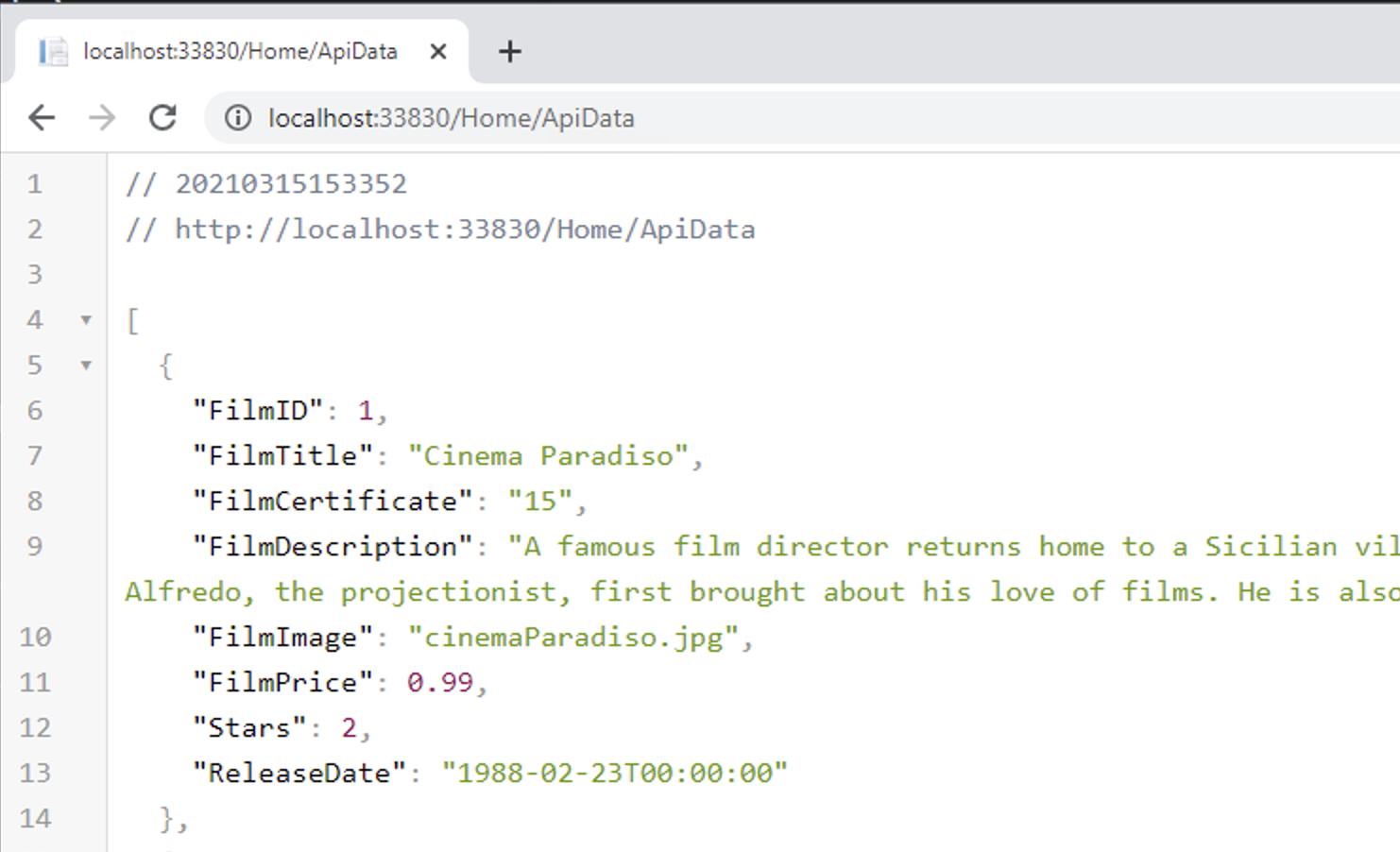
You can also use tools like Postman to test Endpoints.
Single Record Endpoint
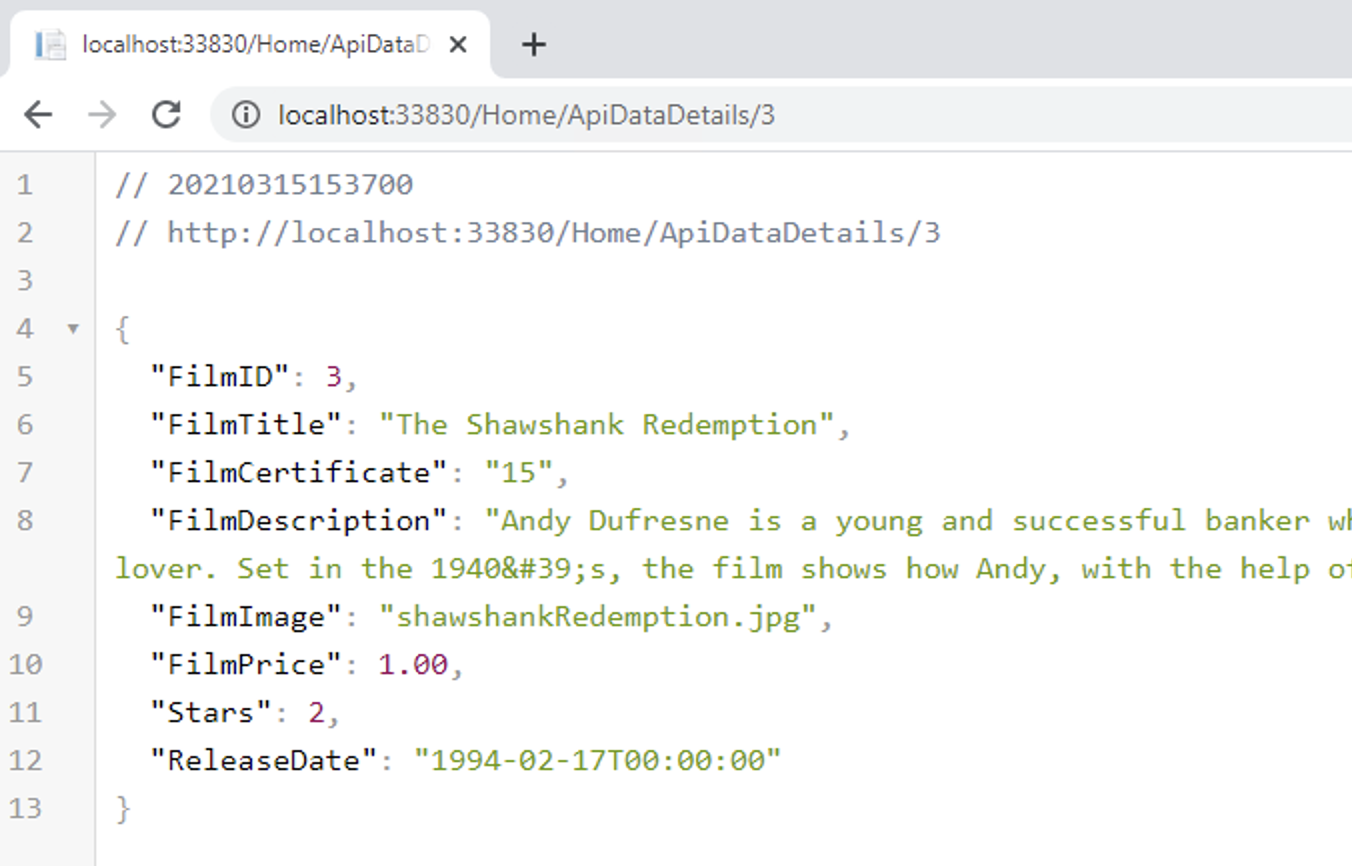
Extending the above we could create an Endpoint for a single record with:
The Endpoint for the above would be localhost:5000/Home/ApiDataDetails/3 following the default routing set out in the Startup.cs.
Calling the APIs with Client Side Javascript
Both of the above examples could be called through client side Javascript. Create a 'static' HTML file in wwwroot to make an call the Endpoint localhost:5000/api/Films as follows:
The above links to a 'details' page getFilmDetails.html passing a querystring to be used in an API call to localhost:5000/api/Films/FILMIDVALUE to retrieve details of an individual film.
Making An Asynchronous Action
The Action above to return all the films could be set up as follows:
As we saw briefly with the scaffolding for the PlayerScore example, this is an asynchronous method. We'll explore this further next.